 Pristine
Smart Care
One scan across junk, Trash, large and duplicate files, Mail and Photos caches. Safe items are preselected; everything else waits for your review.
Pristine finds caches, logs, duplicates, large forgotten files, leftover apps and browser traces, shows you exactly what it found, and cleans only what you approve.
Free to scan and monitor. Pro unlocks unlimited cleaning – 7-day free trial on subscriptions.
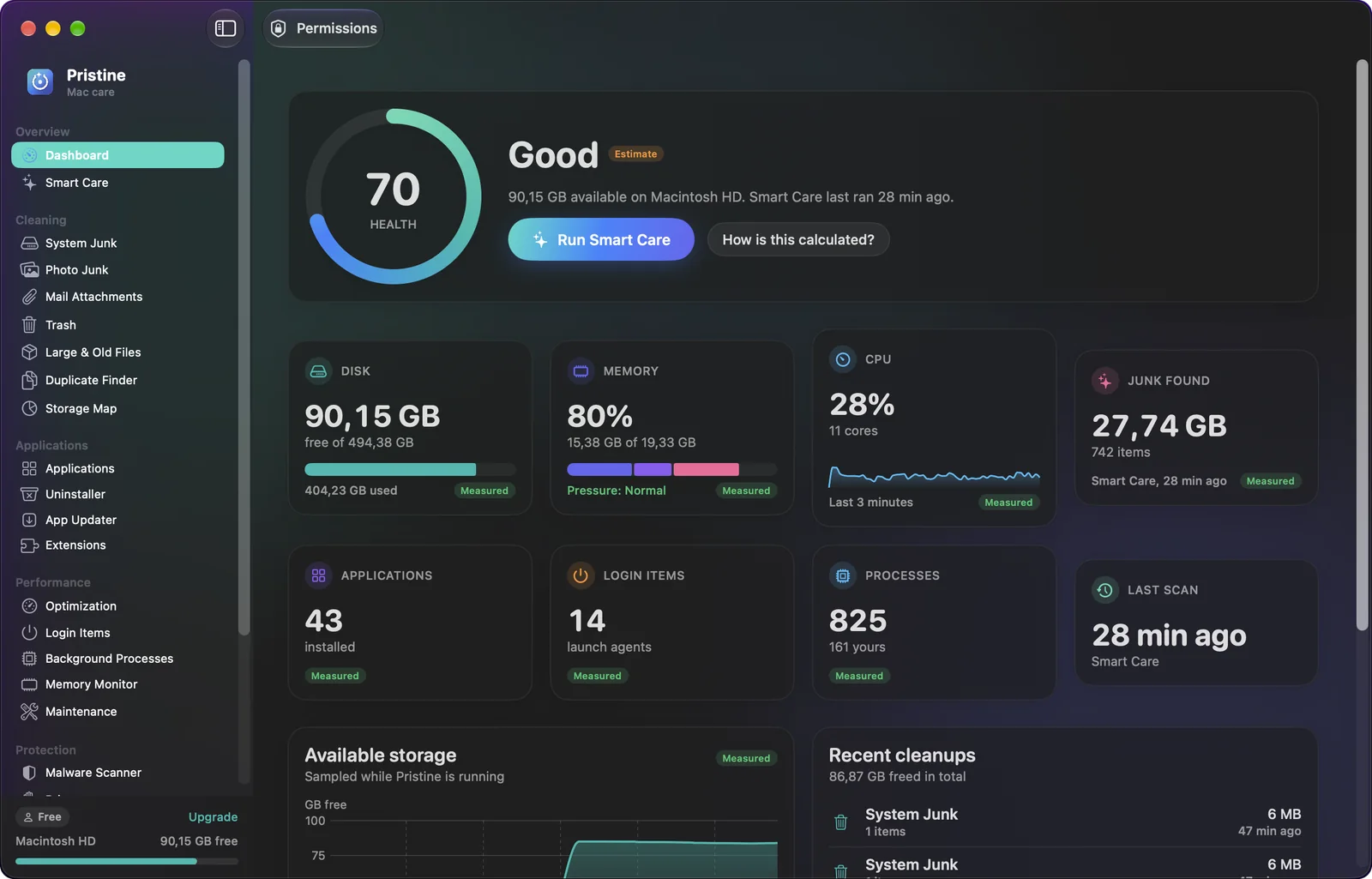
Real measurements, conservative rules, and a review step in front of every destructive action.
One scan across junk, Trash, large and duplicate files, Mail and Photos caches. Safe items are preselected; everything else waits for your review.
Application caches, logs, temp files, broken downloads and Xcode leftovers – with caches of running apps and anything touched today kept out of the default selection.
Three-stage detection – size, header hash, then full streaming SHA‑256. Pristine recommends which copy to keep and never removes the last one.
An interactive treemap of any folder. Click to drill in, see the largest files and folders, and spot what macOS wouldn't let the scan read.
Remove an app with its preferences, caches, containers and launch agents – all listed first. Check App Store and Sparkle updates without bypassing anything.
Heuristic malware scan with a pluggable signature engine and quarantine, plus browser history, cookie and cache cleanup that never touches passwords or bookmarks.
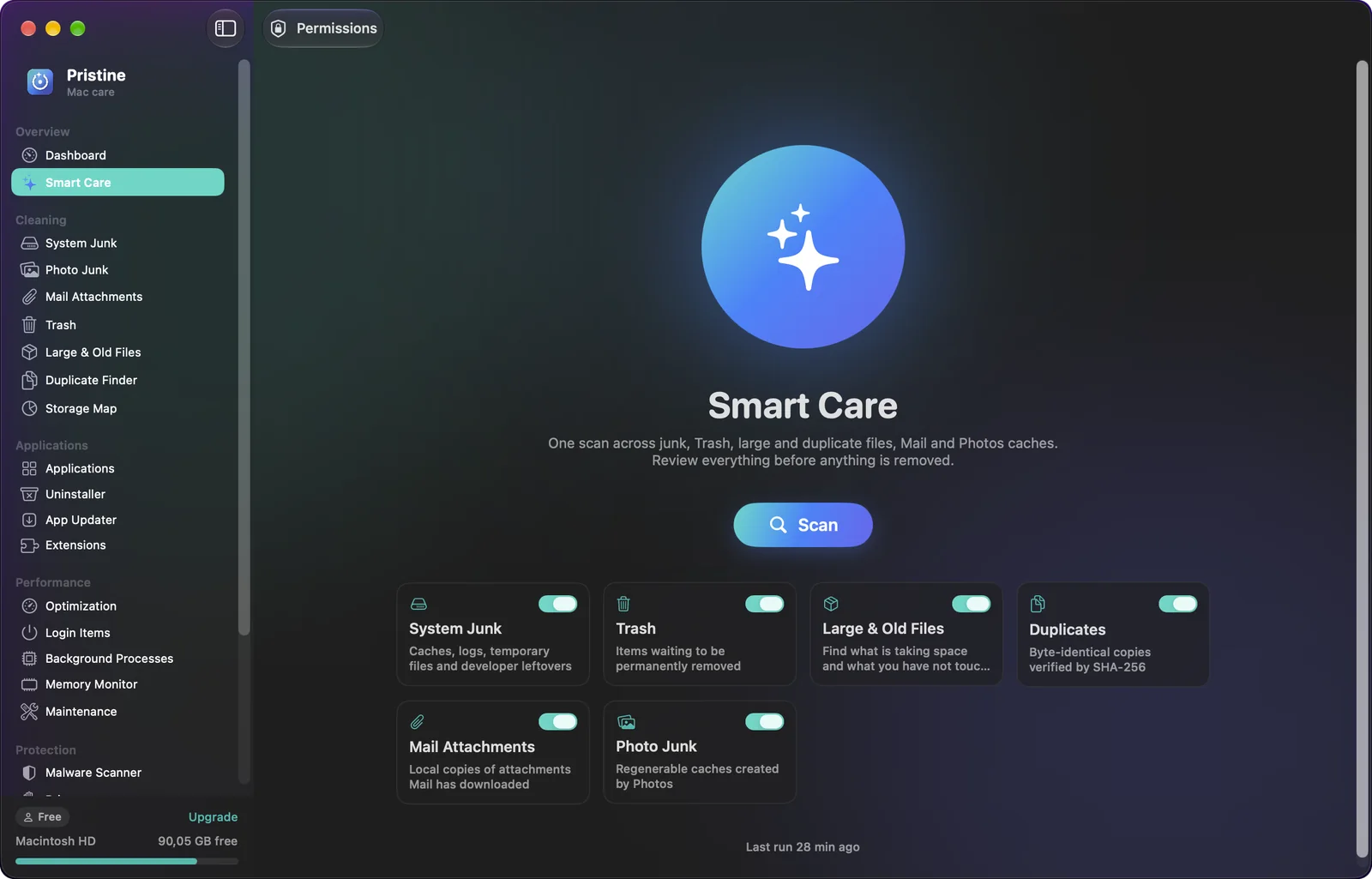
Smart Care runs every enabled module, shows live progress and savings, then lays out the findings by category with the amount each one needs you to look at.
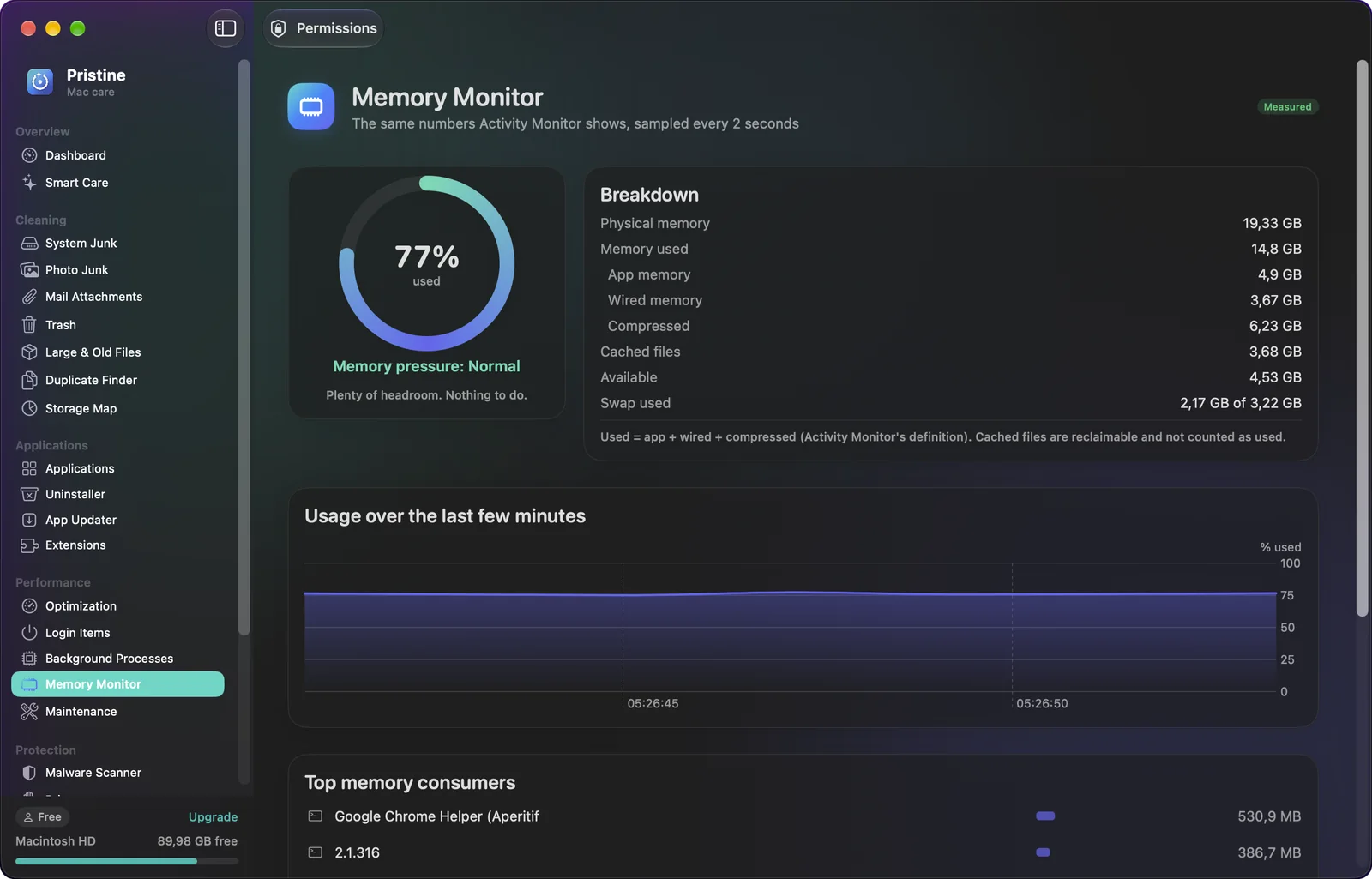
The same CPU, memory-pressure and per-process figures Activity Monitor shows, sampled live. No fake “RAM boost”, no invented speed-up claims – just the levers that actually help: login items, runaway processes and free disk space.
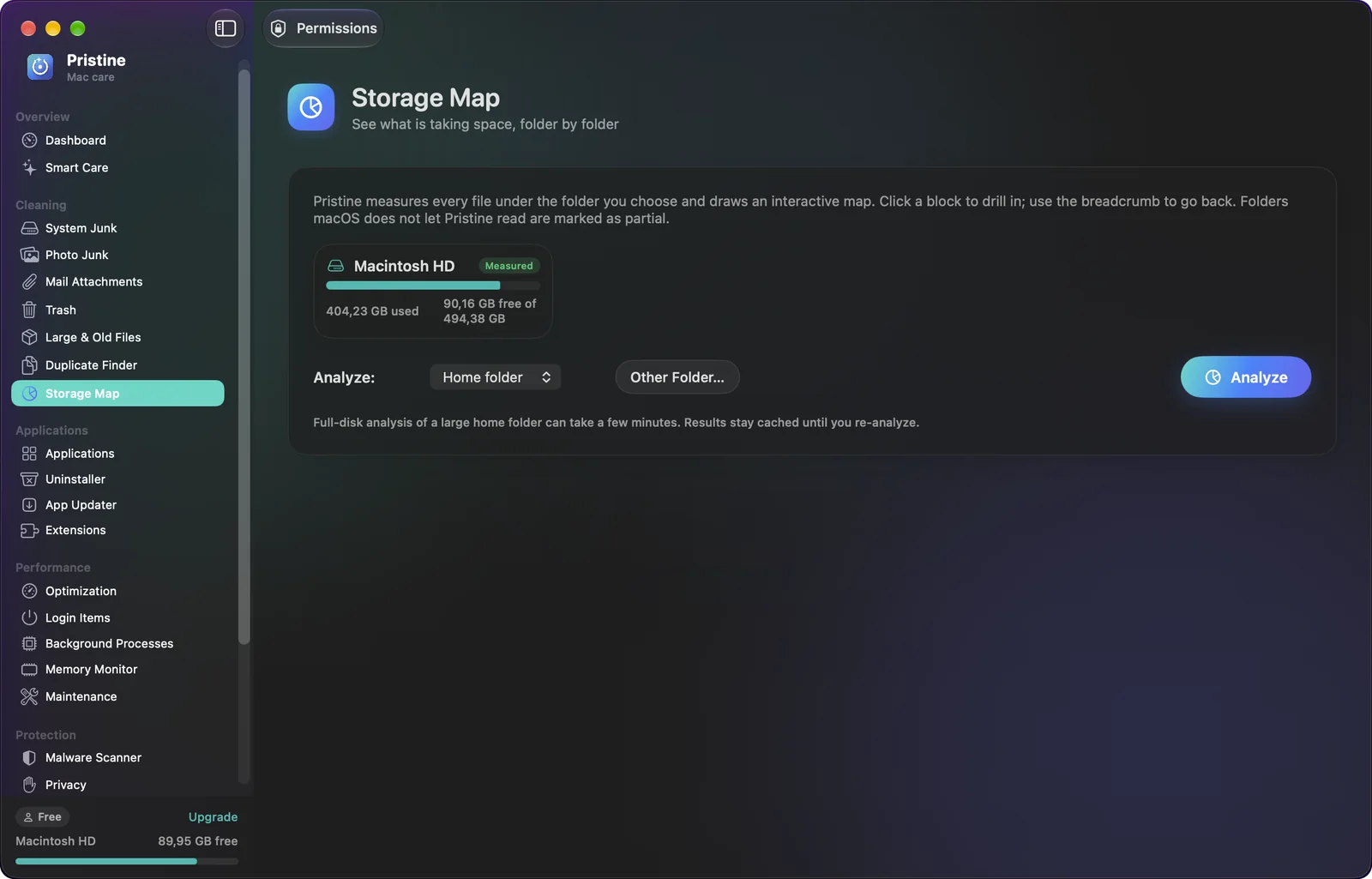
The Storage Map measures every file under a folder and draws it as a squarified treemap. Hover for details, click to drill in, and jump straight to the largest folders and files.
Cleaning apps have a reputation problem. Pristine's answer is a safety model you can read.
Each module scans a documented allow-list of folders. Your documents, photos and system files are never candidates.
Every finding carries a Safe / Review / Protected label with the reason. Nothing runs until you confirm the exact list.
A central safety service re-checks every path right before removal: inside the allow-list, no symlink escapes, no locked or SIP-protected files.
Items move to the Trash by default and every operation is written to a local audit log you can open from the app.
Scanning, monitoring, the Storage Map, Login Items and the Trash are always free, along with 500 MB of cleaning every month.
Prices in USD; your local App Store price may differ. Subscriptions renew automatically unless cancelled at least 24 hours before the end of the period and are managed in your Apple Account settings. Payment is charged to your Apple Account. Terms of Use · Privacy Policy
Not without you approving it. Scans only look inside documented cleanup locations, every item is labelled Safe, Review or Protected with the reason, and nothing is removed until you confirm the exact list. Removed items go to the Trash by default, so they can be put back.
macOS protects Mail, Safari and browser profiles, the Photos library and the Trash. Without Full Disk Access Pristine skips those locations and tells you so; nothing else stops working. You can grant or revoke it any time in System Settings.
No, and we don't claim to. macOS manages memory well on its own. Pristine shows you the real numbers and the things that genuinely help: freeing disk space, trimming login items and quitting runaway processes.
It's a heuristic scanner with a pluggable signature engine and quarantine. It flags suspicious launch agents, unsigned downloads and risky scripts and clearly separates suspicious findings from confirmed signature matches. It complements macOS XProtect; it doesn't replace a full antivirus.
Free: all scanning, the dashboard and monitors, Storage Map, Login Items, Trash, and 500 MB of cleaning per month. Pro: unlimited cleaning, Smart Care one-click clean, uninstaller and leftovers, duplicate removal, quarantine, privacy cleanup and scheduled scans.
No analytics, no telemetry, no account. The only network requests are to Apple (App Store purchases) and, when you check for updates, to the App Store catalog and apps' own update feeds. See the Privacy Policy.